





Touch-screen register
Full-screen layout with large buttons, categories, search and a barcode reader. It locks with a padlock or on its own after a few idle minutes, and another seller unlocks it with their PIN.

Sell at the counter with a touch-screen register, sellers who identify themselves with a PIN and, if your business needs it, a floor plan of tables or stations. Every sale updates your inventory, and the register closes with a cash-up by payment method.
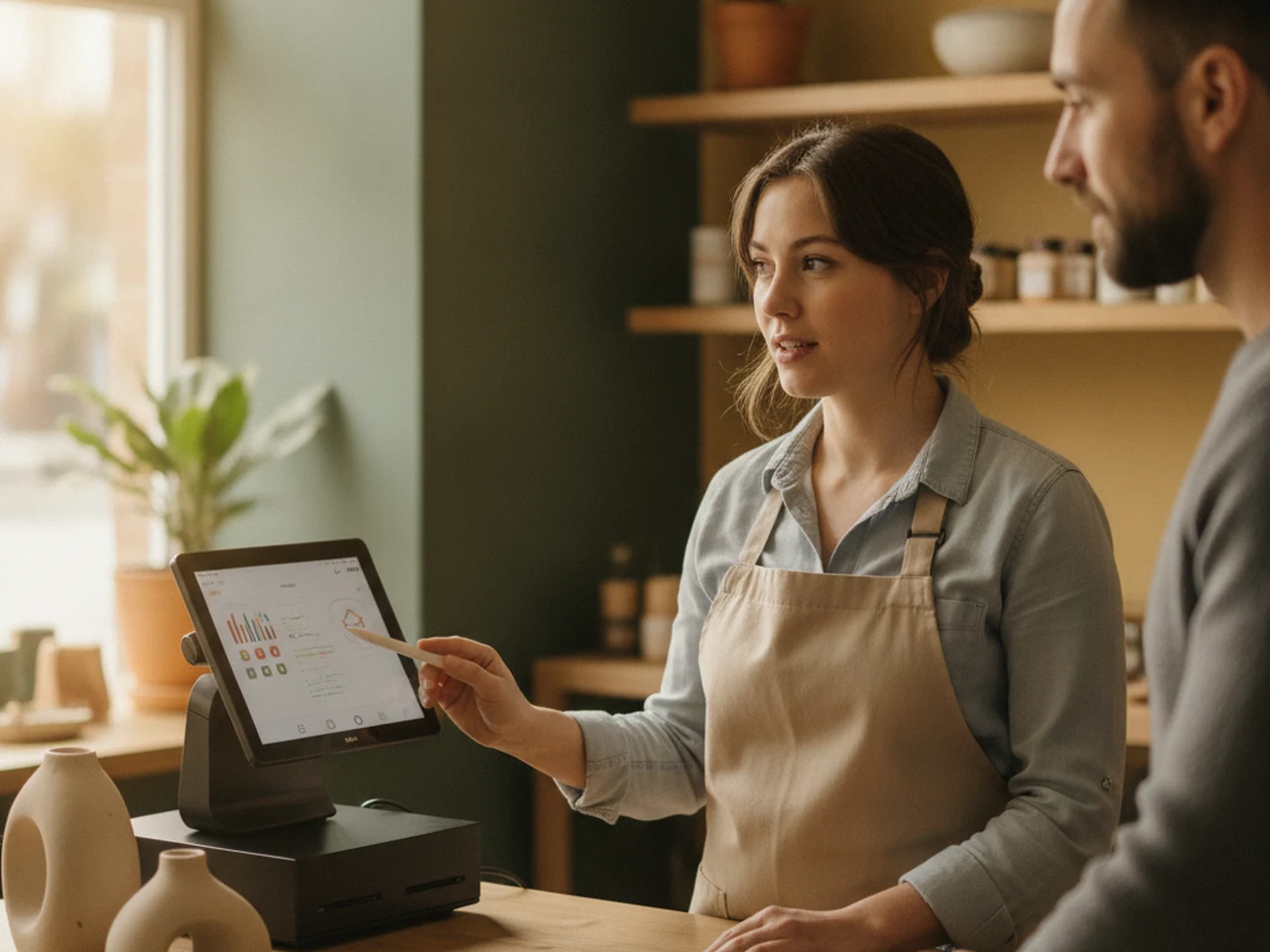
When the register lives apart, stock updates late, the cash count happens in a spreadsheet and nobody knows who sold what. Remotjob brings register, inventory, payment methods and reports into one place, and keeps selling even when the connection drops.
A day of sales from start to finish, without leaving the platform.
Choose the point of sale, enter the starting cash and open the session. Each cashier has their own session, or several share a single one if you turn on the shared register.
Search products, use the barcode reader or the camera, pick variants and build the cart with large buttons and a numeric keypad. Each seller signs in with a PIN.
If you turn on the floor plan, open a tab per table, chair, box or room. You can move it to another station, split it and charge one part while the rest stays open.
Combine cash and other payment methods in the same sale. The system calculates the change and records how much really came in through each method.
Print the receipt in 80 mm format, save it as a PDF or email it. If your customer asks for an invoice, you can generate it afterwards from the same receipt.
Count what is in the register for each payment method and Remotjob shows what was expected, what was counted and the difference, with the shift’s sales, returns and discounts.
Full-screen layout with large buttons, categories, search and a barcode reader. It locks with a padlock or on its own after a few idle minutes, and another seller unlocks it with their PIN.
Each seller has a 4 to 6 digit PIN, stored encrypted. Every sale is signed by whoever made it, and a manager authorizes discounts above the limit with their PIN.
Draw floors or rooms and place tables, chairs, rooms or boxes. Each station shows whether it is free or busy, the running total and how long it has been open. Open tabs are visible to every device at the point.
If the internet drops, you keep selling with the last saved catalog. Sales wait on the device and are sent automatically when the connection returns, without duplicates. Opening and closing the register do require a connection.
A receipt with the series and numbering of your point of sale, ready to print on an 80 mm roll, save as a PDF or email, with sending limits to keep it secure.
Full or partial returns, never for more than was sold. Discounts have a cap per point, and price changes and larger discounts require management permission.
Every sale deducts stock at your point’s location and every return puts it back. The module links with Inventory, Store and Procurement, and if an offline sale leaves a shortfall, it is flagged to be regularized.
Sales by period, payment method, product, cashier and session, always by currency. At closing, the AI writes the shift’s anomalies in plain language and uses AI credits. What the register records becomes knowledge that Company Brain (for management) and People Chat (for the team, by role) return as answers to decide with.
The module comes with its process map: what the team does, what the system does and what the AI does at each stage of the sale, from opening the register to the cash-up.
The register handles cash and merchandise, so every action leaves a trace and each person sees only what concerns them.
Video · 58 s
English narration with Spanish subtitles.
How it works
Yes. The register keeps the last catalog and holds each sale on the device until the connection returns; then they are sent automatically, without duplicates. Opening and closing the register do need a connection.
For both. The floor plan is generic: you can call stations tables, chairs, rooms, boxes or stations depending on your business, and turn it on only at the points that need it.
No. It is an internal Remotjob receipt in 80 mm format. The tax document is still issued in your company’s tax system, and from the receipt you can generate an internal invoice in the commercial cycle.
At closing you count what is there for each payment method and Remotjob compares it with what was expected: net payments, starting cash and cash in and out. It shows you the difference and the shift summary.
No. The device stays signed in as the person with permission to sell, and each seller identifies themselves with a 4 to 6 digit PIN. Every sale is signed with their name.
Tell us how you sell, at the counter, at tables or both; we will show you what your register would look like inside Remotjob.
Solutions companies usually run alongside this one, on the same workflow.